
−46%
SD Cards
Nikon Coolpix S6500 Digital Camera Memory Card 32GB Secure Digital (SDHC) Flash Memory Card
$ 21.59
$ 39.99
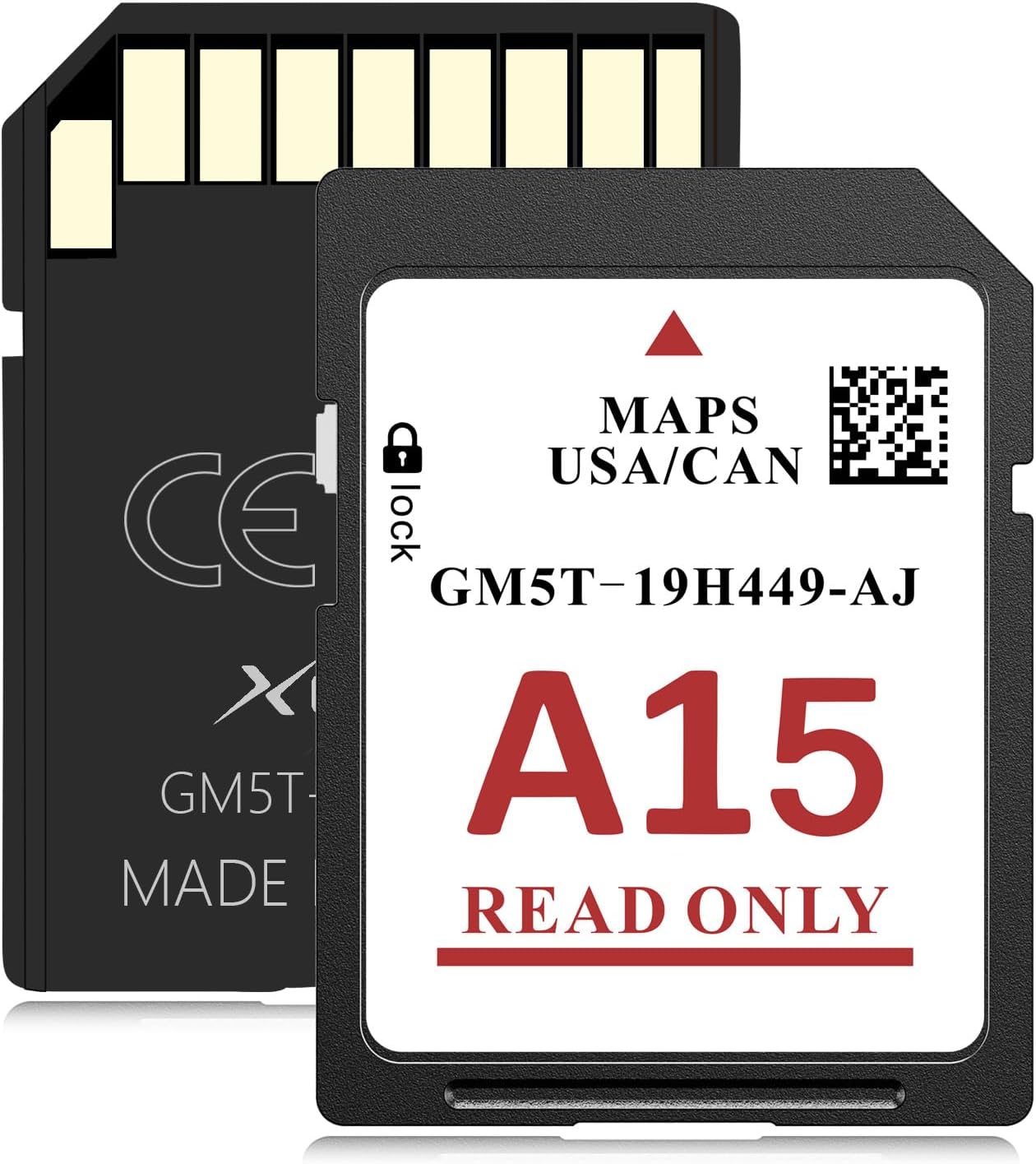 Image unavailable
$ 12.95 23.99
You save
Secure Checkout
Product description Why does my dash show “Navigation SD Card Fault”? How can I fix it? Step 1: Re-seat your navigation SD card Power off your vehicle completely. Press the SD card gently to eject it from the slot. Reinstall the card until you hear a firm click for tight installation. Restart your car and test navigation function. Step 2: Complete SYNC master reset (if card reinsert fails) Note: Factory master reset wipes all onboard saved data including call logs, SMS records and paired Bluetooth phones. Keep vehicle running in Park mode at a well-ventilated spot. Tap the gear-shaped Settings icon on the bottom display. Open Settings menu → choose System option. Scroll down to select Master Reset and confirm on the pop-up alert page. Unplug all USB drives, Bluetooth gadgets and navigation SD card in advance. Tap Yes to start reset; the process finishes automatically once the main home screen reloads. From the brand Make Travel Easier Experience Efficient Navigation, Travel with Confidence Make every journey smoother Xgeek is committed to providing users with precise and efficient in-car navigation solutions. We continuously update the latest map data, including roads, buildings, gas stations, ATMs, and other key information, ensuring a safe and smooth driving experience. Whether you're in the city or the countryside, Xgeek offers reliable navigation services to help you handle various road conditions with ease, making every journey a breeze Xgeek is committed to providing users with precise and efficient in-car navigation solutions. We continuously update the latest map data, including roads, buildings, gas stations, ATMs, and other key information, ensuring a safe and smooth driving experience. Whether you're in the city or the countryside, Xgeek offers reliable navigation services to help you handle various road conditions with ease, making every journey a breeze navigation SD card update The latest navigation SD card update includes updatesfor maps, buildings,ATMs, roads, and gas stations navigation SD card update The latest navigation SD card update includes updatesfor maps, buildings,ATMs, roads, and gas stations Navigation SD Card SYNC 2 Navigation System Map Update: Get directions to wherever you travel with this map update that identifies roads, subdivisions, business and points of interest for the United States and Canada. Drive confidently through unfamiliar or recently changed areas and arrive at your destination quickly and efficiently Upgrade to 2026 XGEEK A15 SD Card: Replaces A14 and older versions with full updated US and Canada maps, fresh POIs and new highways for reliable daily and long-distance navigation Compatible Ford Navigation Models: Edge (2011-2015), Expedition XT (2015), Expedition (2015), Explorer (2011-2016), Escape / Escape Hybrid (2013-2015), Taurus (2013-2015), Transit (2014-2015), Transit Connect (2014-2015), F-150 (2013-2015), Flex (2013-2015), Fiesta (2014-2015), Focus (2012-2015), Fusion (2013-2016), Mustang (2015), C-Max (2013-2015), Super Duty F250 / F350 / F450 (2013-2016) Compatible Lincoln Navigation Models: MKC (2015), MKS (2013-2015), MKT (2013-2015), MKX (2011-2016), MKZ (2014-2016), Navigator (2015) Installation Instructions: Before installation, check whether the Ford/Lincoln SYNC system's central processor (CCPU) is compatible or requires an upgrade; for detailed steps, refer to main image 7. Turn off the vehicle and remove the old navigation card. Insert the new Navigation SD Card and start the engine, the Navigation icon should appear in the top-right corner Important Compatibility Note: This update will NOT work for Sync 3 or 4 systems, or vehicles that do not already have navigation. Please ensure you have navigation before purchasing
SD Cards
SD Cards
SD Cards
SD Cards