
−46%

Joysticks
XD2-PA24 Joystick Controllers, Monolever Joystick Controllers, XD2PA24CR Spring Return Momentary Joy Stick, Momentary Joy Stick Switch Replacement
$ 8.36
$ 15.49
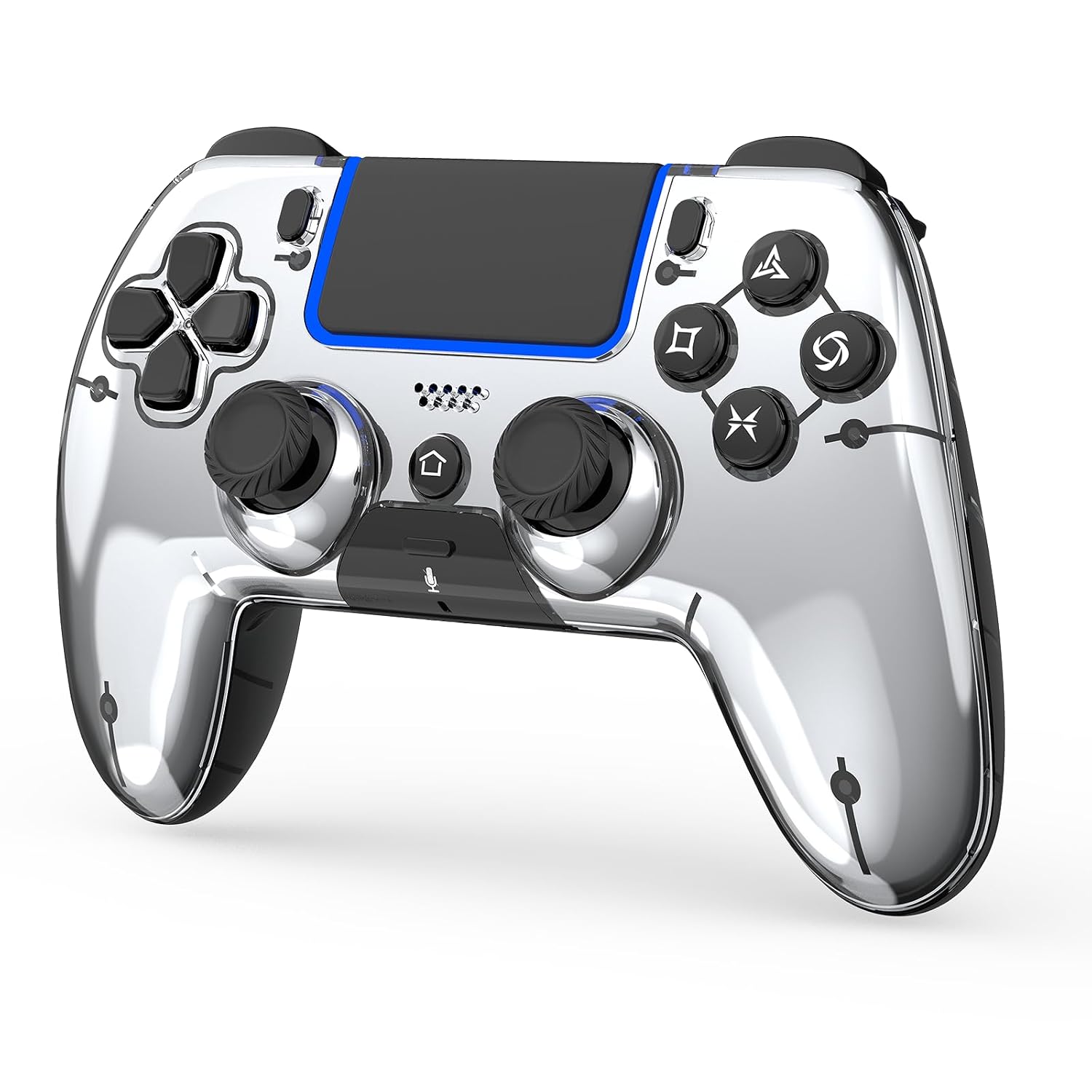 Image unavailable
$ 22.13 40.99
You save
Secure Checkout
Product description Marco Function Sound effects and music come to life right in your palms Xinput Mode Wired connection to a PC: Press Share and Menu buttons to switch XInput mode 3.5mm TRRS Stereo Jack Please insert the 3.5 mm plug gently to prevent long-term stress that may cause audio or microphone failure. 800mAh Battery Two ways to charge: Charging Dock / USB-C Cable Built for Sharing: Grab a second controller and jump into the fun! Perfect for couch co-op, it lets you easily team up or face off in your favorite multiplayer games. How to connect the controller to PS5? Plug it into the PS5 with a USB data cable, wait a few seconds, then press the Home button.Controller only remembers the last device it was paired with. If you used it on other device, reconnect it to the PS5 with a USB data cable and pair it again. How to connect the controller to PS5? Plug it into the PS5 with a USB data cable, wait a few seconds, then press the Home button.Controller only remembers the last device it was paired with. If you used it on other device, reconnect it to the PS5 with a USB data cable and pair it again. Does the controller support dock charging? Yes, you can charge it with the charging dock or a USB-C cable. Does the controller support dock charging? Yes, you can charge it with the charging dock or a USB-C cable. The touchpad lights keep flashing. What should I do? Restart the controller first. The touchpad lights keep flashing. What should I do? Restart the controller first. My joystick is drifting. How can I fix it? Recalibrate the controller in Calibration Mode. My joystick is drifting. How can I fix it? Recalibrate the controller in Calibration Mode. My PS5 says "Connect this device using a USB cable, or register it again." Use a USB data cable (not charge-only), then pair the controller again. The included cable is recommended. My PS5 says "Connect this device using a USB cable, or register it again." Use a USB data cable (not charge-only), then pair the controller again. The included cable is recommended. DRIFT-FREE HALL EFFECT JOYSTICKS: Built with advanced Hall effect sensing technology, this ps5 controller helps prevent stick drift and delivers precise, consistent control for competitive shooters, racing games, and everyday play. PROGRAMMABLE MACRO BACK PADDLES: The ML/MR back paddles on this playstation 5 controller can be set as macro triggers, supporting up to 16 button inputs per macro. Hold SR for 3 seconds, record your combo, and save it to ML or MR—then press once to run the full sequence for quicker reactions and smoother combo execution. WIDE COMPATIBILITY & DUAL CONNECTION: This ps5 pro controller works with PS5, PS5 Slim, PS5 Pro, Windows PC, Android, iOS, Mac, and Steam Deck, so one controller covers your main gaming devices. It supports both Bluetooth and wired USB connections for stable, low-latency performance on console, PC, or mobile, with easy switching between platforms without repeated pairing hassles. 3.5MM AUDIO JACK FOR VOICE CHAT: This gaming controller does not include a built-in microphone, but it supports 3.5mm headphones for stereo audio output and voice communication. Just plug in your headset to chat with friends and hear in-game sound clearly. 2-YEAR PRODUCT PROTECTION & LIFETIME SUPPORT: Your play station 5 controller includes 2-year product protection and lifetime support. Service access is available by scanning the QR code on the package within 1 week, where you can unlock the user manual, video tutorials, and direct support—no registration required.
Joysticks
Racing Wheels
Joysticks
Racing Wheels