
−46%
Enclosures
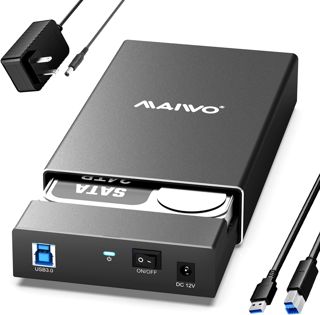
MAIWO 2.5''/3.5'' Hard Drive Enclosure for SATA HDD/SSD with ON/Off Switch
$ 10.25
$ 18.99
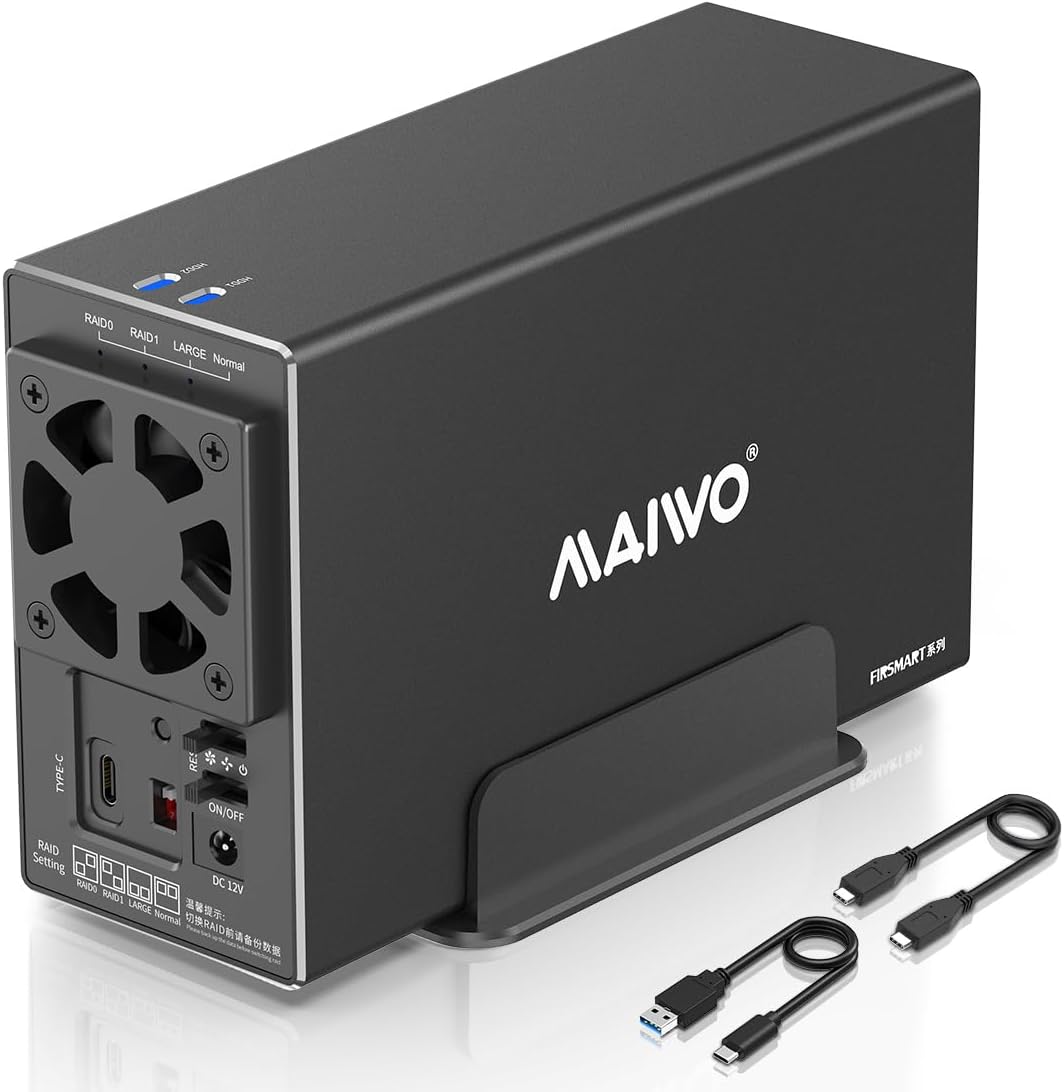 Image unavailable
$ 21.59 39.99
You save
Secure Checkout
From the brand External SSD-Built-in NVMe SSD M.2 NVMe/SATA Enclosure 2.5/3.5 SATA Enclosure Offline Cloner (Duplicator) RAID Enclosure Hybrid Founded in 2005, MAIWO is dedicated to designing and manufacturing innovative data storage solutions such as Internal SSD, External SSD, Memory Card and Hard Drive Enclosure/Docking Station/Duplicator with the mission of "Link Your World". The company specializes in creating simple, user-friendly, and high-performance computer peripherals, offering consumers reliable, efficient, and seamless solutions for managing and storing their data. Product description Troubleshooting Guide 1. Drives Not Recognized / One Drive Not Detected If you are installing a drive that has not been used with this enclosure before, you must first set the enclosure to Normal mode. Set the RAID switch to Normal, power on the enclosure, then press and hold the Reset button for about 5 seconds and release. The bay LEDs and RAID mode LEDs will turn off and then light up again. The correct RAID mode LED will stay on, indicating the setting is complete. RAID mode can be set without connecting the enclosure to a computer. 2. Low Write Speed When creating a new partition, choose the largest allocation unit size (cluster size). For a single mechanical hard drive, speed may also be limited by the drive itself. 3. Fan Not Working This enclosure uses a manual fan speed switch. Slide the fan switch to turn the fan on. Set it to High for dual drives or long-time use, and Low for single-drive backup. If the fan seems weak, check the switch position first. 4. Bay LED Stays On After Eject This enclosure uses manual power-off. After ejecting the drive, the bay LED may remain on until you turn off the power switch on the rear panel. 5. Disconnection or RAW Issue Please first check whether the USB cable is loose or damaged, and whether the power adapter is working properly. 6. RAID 1 Rebuild In RAID 1 mode, if one drive fails, the corresponding bay LED will turn off. Remove the failed drive and insert a new one. The bay LED will flash while data is syncing. When the LED stops flashing, the rebuild is complete. MAIWO RAID Enclosure & Docking Station Dual Bay RAID Enclosure 2.5 Inch RAID Enclosure Single Bay Enclosure &HUB Single Bay Enclosure Dual Bay Docking Cloner 【Wide Compatibility】This 2 bay HDD enclosure is compatible with 2.5 and 3.5 inch SATA I II III hard disk drive. Support Windows/Mac OS/Linux. (Need additional 2.5 to 3.5 mounting bracket if using with 2.5'' HDD/SSD) 【USB 3.0 5Gbps High Speed】This 3.5’’ sata drive housing quips with USB 3.0 Type-A output interface, read and write speed can reach 5Gbps, transfer 1G data only takes 3 seconds. Support UASP when operation system of your PC is Windows 8.1 or above. 【Multiple RAID Modes】This raid external hard drive enclosure supports RAID 0(FAST), RAID 1, LARGE(JBOD), NORMAL(PM), you can easily switch mode by raid mode switch to set different reliable and high-performance storage system, can meet a variety of work requirements.【NOTE】please back up important data before setting raid mode, initialize and format first if using new drives. 【Great Heat Dissipation】Full aluminium body + ABS plastic bracket + built-in cooling fan with two-speed, multiple heat dissipation methods, improve the efficiency of your hard drive. 【48TB Large Capacity】The external hard drive storage cabinet has 2 drive slots, each slot supports 18TB 3.5 inch SATA HDD, 48TB capacity in total. 【Features】184x65x116mm Portable Size / USB 3.0 Type-A to Type-A Data Cable / 12V 4A Power Adapter / LED Progress Indicator / Plug & Play
Enclosures
Enclosures
Enclosures
Enclosures