
−46%

Joysticks
XD2-PA24 Joystick Controllers, Monolever Joystick Controllers, XD2PA24CR Spring Return Momentary Joy Stick, Momentary Joy Stick Switch Replacement
$ 8.36
$ 15.49
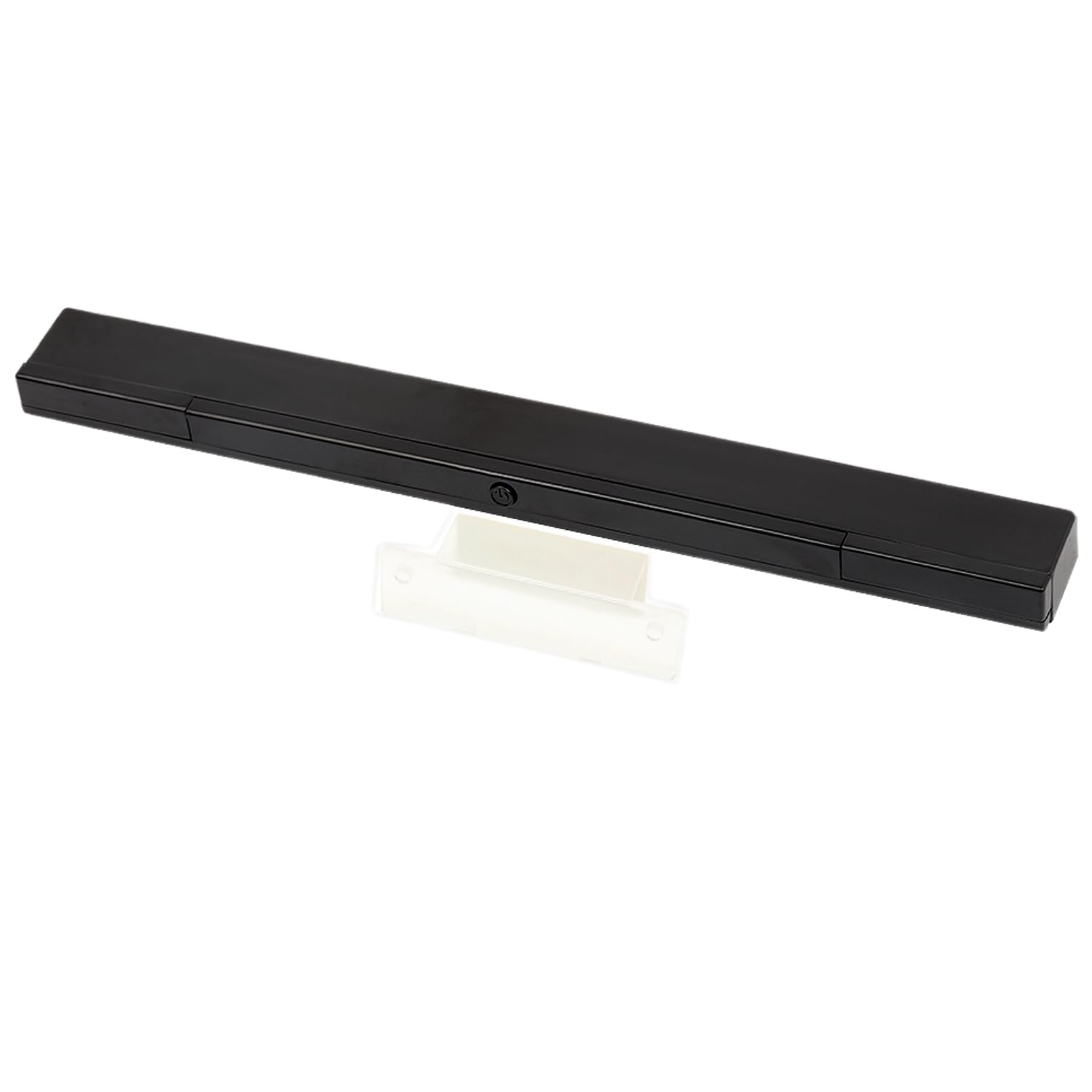 Image unavailable
$ 6.80 12.59
You save
Secure Checkout
Product description A cordless, third-party, wireless sensor bar for gaming session. Placement of the sensor bar has to be recorded to help determine where the player is, either above or below the television set. Wireless sensor bar, coupled with the remote controller,allows the game to sense acceleration and to determine where the player is pointing. wireless sensor bar 1 pieces wireless sensor bar 1 pieces Stable Stand Motion Sensor Signal Receiver Color: Black Runs off 4XAAA batteries Battery not included This Sensor Bar compatible with Wii/Wiiu Console/PC The wireless distance is up to 10 feet. Ensure the Sensor Bar is as close as possible to the screen. Please turn on the switch when you use it and turn off the switch when not use it. Third party product,compatible with wii/ wii u console. compatible with pc dolphin emulator. User guide: 1: Install 4 AAA batteries, turn on power switch button (Batteries not supplied) 2: Plug the sensor bar into console, then connect the Nunchuk to the remote controller. 3: Plug the USB cable of the sensor bar into PC, start dolphin emulator, select "Gamecube Controller" from the controller setting, then select "Sensor Bar" from the device setting. 4: Start the game Plug and play design, no need to install any software, driver or batteries.Positioning the sensor bar is just as easy, it can be placed above or below the TV set using the included a stand. Compatible with Wii/ Wii U games, Please note that the sensor bar does not support Motion Plus Package Included: 1* Wireless Sensor Bar This requires 4 x AAA batteries (Not included) Color :Black
Joysticks
Racing Wheels
Gaming Keyboards
Joysticks