Product details
Product description
WL-ST504CP USB-C Dual SATA Hard Drive Adapter with Offline Clone
Step 1: Install SATA Hard Drive Install 2.5/3.5 inch SATA hard disk into the device slot correctly
Step 1: Install SATA Hard Drive
Install 2.5/3.5 inch SATA hard disk into the device slot correctly
Step 2: Connect DC-12V Power Supply Connect the official 12V power adapter to make sure stable hard disk operation
Step 2: Connect DC-12V Power Supply
Connect the official 12V power adapter to make sure stable hard disk operation
Step 3: Plug into Laptop via USB-C Cable Connect to computer USB-C port for data access and clone preparation
Step 3: Plug into Laptop via USB-C Cable
Connect to computer USB-C port for data access and clone preparation
Core Practical Features
Simultaneous Dual Disk Access
Read two hard drives at the same time freely.
BC1.2 USB Quick Charging
Charge your smartphone via the built-in USB port.
LED Cloning Progress Indicator
LED lights visually display real-time clone progress.
Quick Offline Disk Cloning
High-speed offline clone saves your working time.
Rich Interface Layout with Multiple Connection Ports
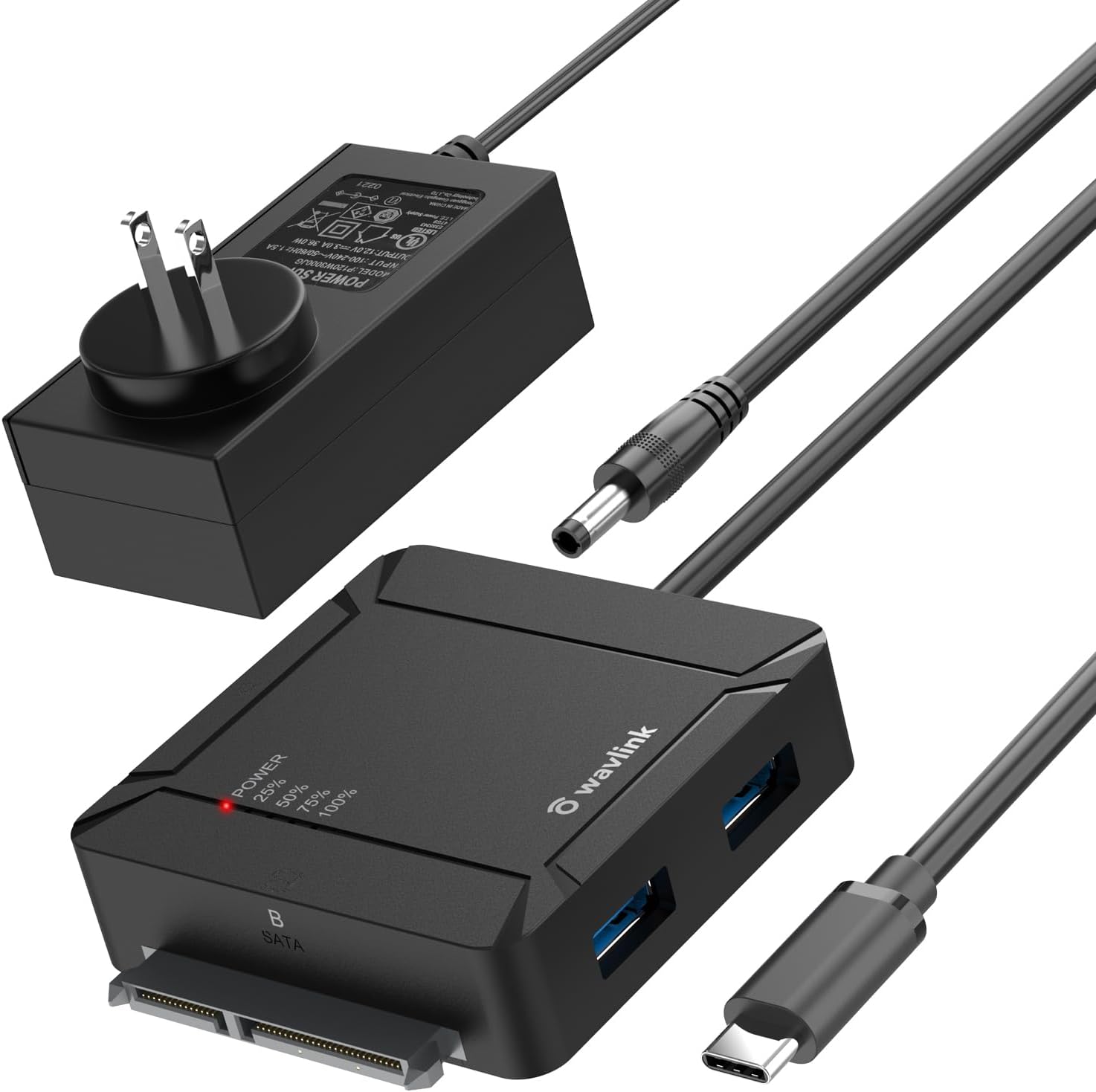
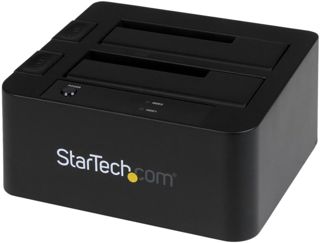
Equipped with dual SATA slots, a Type-C transmission port and independent USB3.0 interface. The Type-C port realizes high-speed data transmission between the device and computers, tablets and phones. Dual SATA interfaces support simultaneous access of two hard drives and offline disk cloning tasks. The extra USB3.0 jack supports data transfer and BC1.2 fast charging for mobile devices, meeting your diverse daily office and data backup demands at one time.
Does this support 2.5" and 3.5" drives at the same time? Yes. This hard drive docking station features a dual-bay design that allows you to install one 2.5" drive and one 3.5" drive simultaneously, or two of the same size—mix and match as needed.
Does this support 2.5" and 3.5" drives at the same time?
Yes. This hard drive docking station features a dual-bay design that allows you to install one 2.5" drive and one 3.5" drive simultaneously, or two of the same size—mix and match as needed.
Why is the drive not showing up on my computer? 1.Connect the power adapter. 2. For new drives, initialize in Disk Management. 3. Always "Safely Remove" before unplugging.
Why is the drive not showing up on my computer?
1.Connect the power adapter. 2. For new drives, initialize in Disk Management. 3. Always "Safely Remove" before unplugging.
Why does the clone function get stuck or not start? Ensure drive B ≥ drive A. Disconnect USB from PC during cloning. Bad sectors cause failure—check drive health first. Backup data before cloning.
Why does the clone function get stuck or not start?
Ensure drive B ≥ drive A. Disconnect USB from PC during cloning. Bad sectors cause failure—check drive health first. Backup data before cloning.
What's the difference between this and a regular hard drive enclosure? This hard drive dock reads two drives at once, supports offline cloning, and has 2 extra USB 3.0 ports—features most enclosures lack.
What's the difference between this and a regular hard drive enclosure?
This hard drive dock reads two drives at once, supports offline cloning, and has 2 extra USB 3.0 ports—features most enclosures lack.
Why is the transfer speed slower than 5Gbps? 5Gbps is the max interface speed. Actual speed depends on your drive—HDD: 100-200MB/s, SATA SSD: ~500MB/s. Use a USB 3.0 port and enable UASP.
Why is the transfer speed slower than 5Gbps?
5Gbps is the max interface speed. Actual speed depends on your drive—HDD: 100-200MB/s, SATA SSD: ~500MB/s. Use a USB 3.0 port and enable UASP.
One-Button Offline Clone (A→B Only): Simply press the "Clone" button on this hard drive docking station to back up files from one hard drive to another (no need to connect to a PC). Tips: 1. Cloning can only be done from drive A to drive B; please make sure drive B's capacity is larger than or equal to drive A. 2. A 12V/3A power supply is required (power adapter is included).
36TB Total Capacity: Dual SATA connectors enable access to two hard drives simultaneously, supporting up to 18TB per drive for a total of 36TB. This USB-C to SATA external hard drive adapter works as a reliable hard drive cloner and ssd cloner, helping you easily expand storage space, read and back up data, and transfer files.
Built-in 2× USB 3.0 Hub: Two USB 3.0 ports on the side make it easy and quick to connect your keyboard or mouse without any lag, or hard drives for effortless sync and file transfer. It delivers 5Gbps transfer speeds and allows you to charge smartphones at up to 7.5W.
5Gbps Superspeed with UASP: With standard USB 3.0 and SATA III connectors, transfer rates reach up to 5 Gbps—10× faster than USB 2.0. Whether you're using it as an ssd docking station, a hdd docking station, or a sata to usb adapter with power supply, UASP acceleration and TRIM deliver 70% faster read speeds and 40% faster write speeds compared to conventional USB 3.0 (your computer must also support UASP).
Easy to Use: Easily connect your 2.5" or 3.5" SATA HDD/SSD with no extra drivers needed. For 2.5" SSDs, you can power the dock via USB-C power bank—no wall outlet required. This hard drive dock supports hot-swap; just plug and play. Works with Western Digital, Seagate, Fujitsu, and Samsung hard drives, and is universally compatible with Windows 10/8.1/8/7/Vista/XP, Mac OS 11/10/9, Linux, and Chrome OS.