
−46%

xD-Picture Cards
Olympus M 1 GB xD-Picture Card Flash Memory Card 202169
$ 47.95
$ 88.79
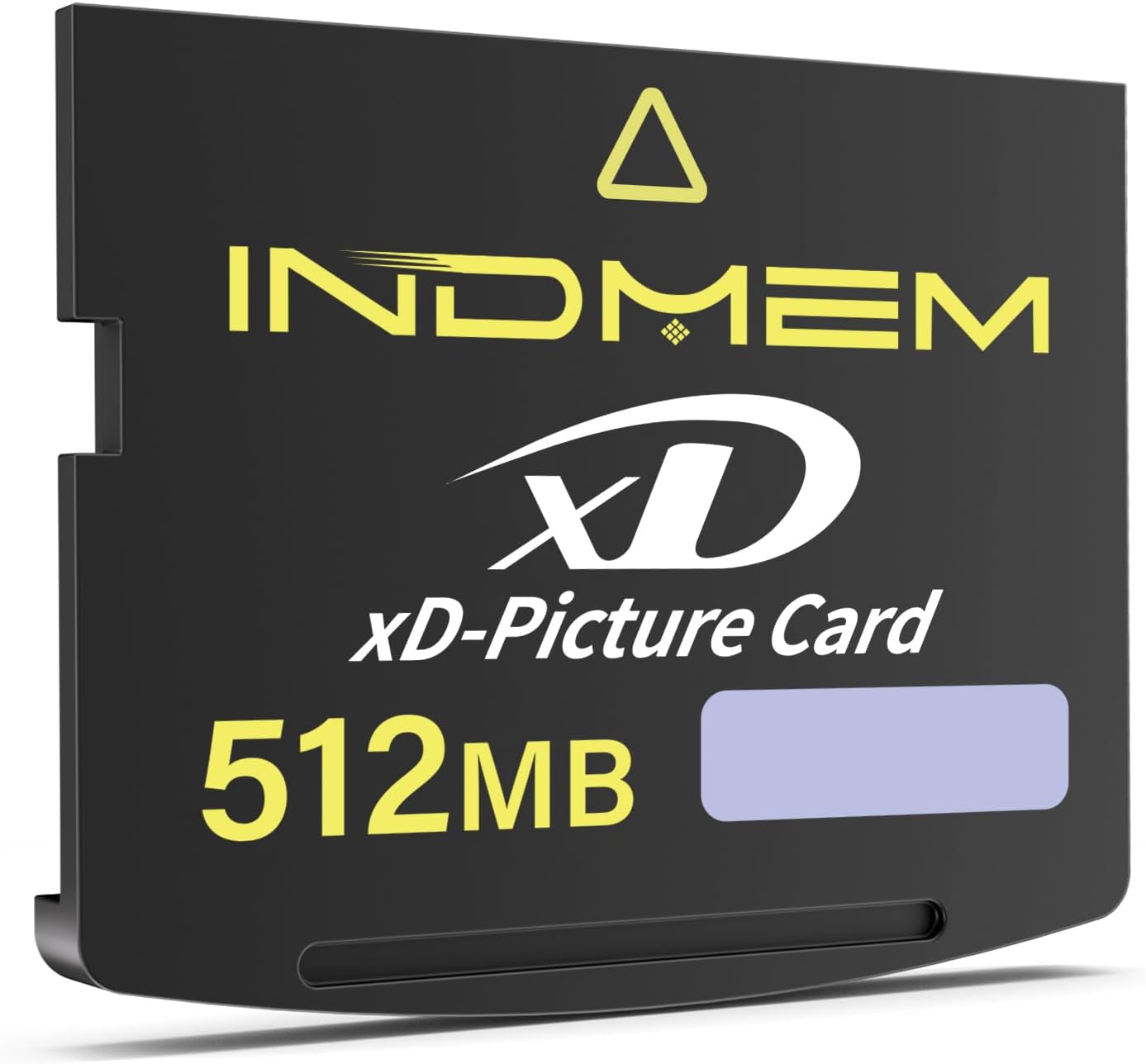 Image unavailable
$ 26.99 49.99
You save
Secure Checkout
Product description Xd Picture Card 512MB(Type Standard) Our 512MB xd card compatible with Olympus old cameras. Our 512MB xd card compatible with Fujifilm Old Cameras. Our xd picture card 512MB supports the 3D panorama function. Xd picture card has enough storage space for beautiful photos. xD-Picture Card 512MB Compatible with Olympus Fujifilm Old Digital Cameras xD-Picture Card 512MB Compatible with Olympus Cameras Model as Follows: xD-Picture Card 512MB Compatible with Fujifilm Cameras Model as Follows: NOTE: Please check your camera model carefully before placing an order! From the brand M.2 NVMe SSD Cloner SD Cards for Your Lover Memory Duo Card for Your Lover Wide Compatible: xD picture card 512MB (Type Standard )compatible with most Olympus Fujifilm old digital cameras,Please confirm your old camera requires the Standard Type before purchasing. Fast Read & Write speeds,Max read speed 5mb/s, Max write speed 3mb/s. This speed is optimized for 5MP JPEG photos, not for HD video or continuous burst shooting – lower your speed expectation. Compact design,512MB standard storage capacity.512MB stores approximately 150–200 photos (5MP) or about 20minutes of standard video. If your camera is 10MP+, this card may hold fewer than 80 photos. 512MB xD card is lightweight and consume little power,is the smallest flash media card available. Important: This xd card is NOT compatible with SD/microSD card slots. For devices with an xD-Picture Card slot only.For devices with an xD-Picture Card slot only.If your device has an SD, CF, or MS slot, this card will not physically fit – please verify your slot label says "xD" before ordering. Plug & Play: The xd card is pre-formatted and ready to use. However, some very old cameras may require an "in-camera format" on first use.If your camera shows "Card Error", First try cleaning the camera's card slot contacts with a cleaning cloth. If cleaning and in-camera formatting do not work, try formatting the card to FAT16 (not FAT32) using a PC card reader – many old models only read FAT16. If "Card Error" persists, gently insert/remove the card 2–3 times to rub off contact oxidation – this alone solves ~15% of reported "dead card" cases.
xD-Picture Cards
xD-Picture Cards
xD-Picture Cards
xD-Picture Cards